

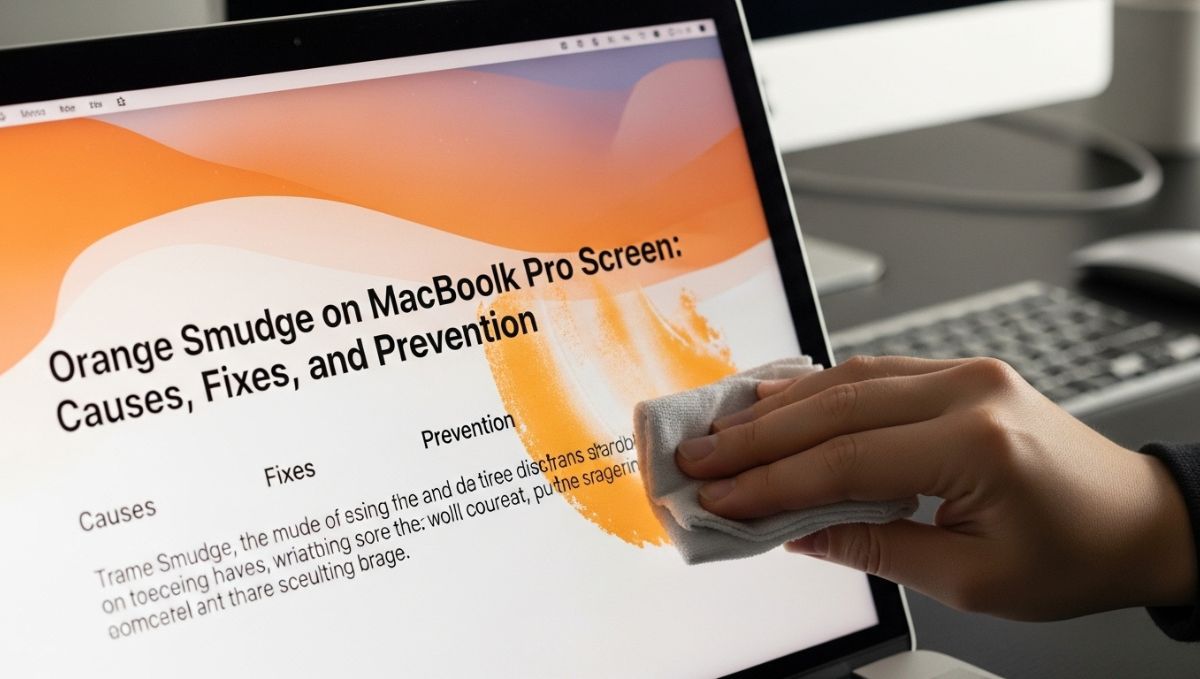
Noticing an unexpected orange smudge on MacBook Pro screen can be frustrating, especially when the device is known for its premium display quality. Many users initially assume it is dirt or a reflection, only to realize that cleaning the screen does not remove it. This issue can appear suddenly or develop slowly over time, raising concerns about display damage or hardware failure.
This article explains what an orange smudge on MacBook Pro screen really means, why it happens, and what steps you can take to fix or prevent it.
What Does an Orange Smudge Look Like?
An orange smudge usually appears as a cloudy, warm-colored patch on the display. It may be more noticeable on white or light backgrounds and often remains visible regardless of brightness settings. In some cases, the smudge appears near the edges, while in others it forms in the center of the screen.
Unlike fingerprints or surface stains, this discoloration does not move or fade when wiped, indicating that the issue is internal rather than external.
Common Causes of an Orange Smudge on MacBook Pro Screen
Heat-Related Display Damage
MacBook Pro devices generate heat during intensive tasks such as video editing or gaming. Prolonged exposure to high temperatures can affect internal display layers, leading to uneven color patches. Over time, heat stress may cause discoloration that appears orange or yellowish.
Pressure Marks on the Display
Applying pressure to the screen, even unintentionally, can damage the internal LCD layers. Closing the laptop with objects between the keyboard and screen or carrying it tightly in a backpack can result in pressure spots that show up as orange smudges.
Aging of Display Components
As MacBook Pro models age, display components may degrade naturally. Adhesives, backlight elements, or polarizing layers can shift in color over time, especially in older Retina displays. This gradual aging can result in visible discoloration.
Liquid Exposure or Moisture
Even small amounts of moisture can seep into the display layers and cause staining. This does not always happen immediately after contact. In some cases, the orange smudge develops days or weeks later as the internal components react to moisture.
Manufacturing Defects
Although rare, some users experience display discoloration due to manufacturing defects. These issues may become noticeable after regular use and are often covered under warranty if identified early.
How to Confirm the Issue Is Internal
Before assuming serious damage, it is important to rule out surface-level causes. Gently clean the screen using a microfiber cloth and a screen-safe cleaner. If the orange smudge on MacBook Pro screen remains unchanged across different lighting conditions and backgrounds, it is likely an internal display issue.
Testing the display with external monitors can also help confirm whether the problem is limited to the built-in screen.
Can Software Cause This Problem?
In most cases, software is not responsible for an orange smudge. Display calibration settings, Night Shift, or True Tone may alter color temperature, but they do not create fixed patches. If the discoloration remains visible in screenshots, screenshots viewed on other devices, or during startup, hardware is the likely cause.
Temporary Workarounds
While temporary solutions do not fix the root cause, they may reduce visibility:
-
Adjusting color profiles in Display Settings
-
Reducing brightness to minimize contrast
-
Using dark mode or darker wallpapers
These methods only mask the issue and should not be considered permanent solutions.
When to Seek Professional Repair
If the orange smudge grows larger, becomes darker, or interferes with daily use, professional inspection is recommended. Apple Authorized Service Providers can diagnose whether the display needs repair or replacement.
For devices under warranty or AppleCare+, screen replacement may be covered at little or no cost.
DIY Repair: Is It Worth the Risk?
Attempting to repair a MacBook Pro display without professional tools is risky. The screen is delicate, expensive, and tightly integrated with other components. DIY repairs often lead to further damage and void warranties.
For most users, professional service is the safest option.
Cost of Fixing an Orange Smudge
Repair costs depend on the model and severity of the issue. Screen replacements can be expensive, especially for newer MacBook Pro models. However, ignoring the problem may lead to worsening damage over time.
Getting a professional diagnosis helps determine whether repair or replacement is the best choice.
Preventing Future Display Issues
To reduce the risk of screen discoloration:
-
Avoid placing pressure on the closed laptop
-
Use protective sleeves during travel
-
Keep liquids away from the device
-
Prevent overheating by ensuring proper ventilation
Good handling habits significantly extend display lifespan.
User Experiences and Common Patterns
Many users report that the orange smudge appears gradually rather than suddenly. It often becomes noticeable after extended use or travel. Recognizing early signs can help prevent further damage.
Conclusion
An orange smudge on MacBook Pro screen is usually a sign of internal display damage rather than a simple surface issue. While it can be alarming, understanding the cause helps users make informed decisions about repair and prevention.
If the discoloration affects usability or continues to worsen, professional evaluation is the most reliable solution. With proper care and timely action, future display problems can often be avoided.
FAQs
What causes an orange smudge on MacBook Pro screen?
It is usually caused by internal display issues such as heat damage, pressure marks, moisture exposure, or aging screen components.
2. Can an orange smudge be removed by cleaning the screen?
No, if the smudge is inside the display layers, cleaning the surface will not remove it.
3. Is the orange smudge a software problem?
In most cases, it is not related to software. Display settings do not create fixed color patches on the screen.
4. Will the orange smudge get worse over time?
Yes, it can spread or become more noticeable if the underlying issue continues or worsens.
5. Do I need to replace the screen to fix it?
If the discoloration affects usability, screen replacement is usually the only permanent solution.